
Turn Quote Data Into Revenue With QuoteSnap’s New AI Analytics Reports
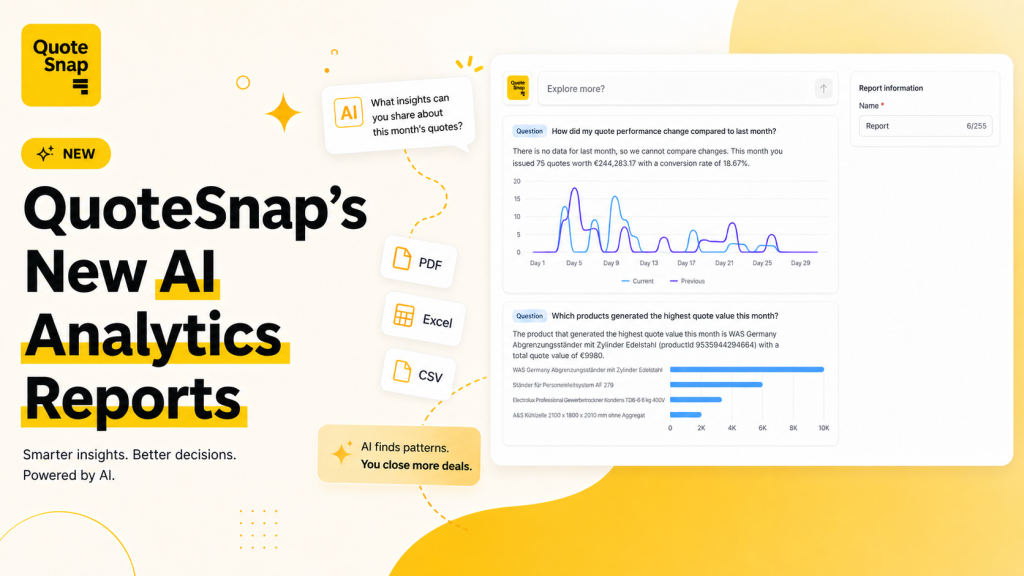
As a Shopify merchant, you are sitting on a goldmine of data every time a customer requests a quote. But let’s be honest – nobody has the time to sit and stare at massive spreadsheets or spend hours building manual pivot tables just to figure out what’s working and what isn’t.
We are thrilled to introduce AI Analytics Reports in QuoteSnap. Instead of forcing you to hunt for trends on your own, we’ve built an AI data analyst right inside your dashboard. You ask the questions; the AI handles the heavy lifting, data analysis, and chart creation instantly.
What is AI Analytics Reports?
Traditionally, B2B analytics show you numbers, but they don’t tell you what they mean. This feature bridges that gap. It translates your raw request-for-quote (RFQ) data into clear, visual, and highly actionable business insights without requiring a data science degree.
Whether you are a store owner tracking monthly performance or a sales rep preparing a weekly report for management, this tool is built to save you hours of manual reporting.
Feature Breakdown
Ask AI Anything
Instead of building complex filters, you can now type regular questions directly into your analytics dashboard.
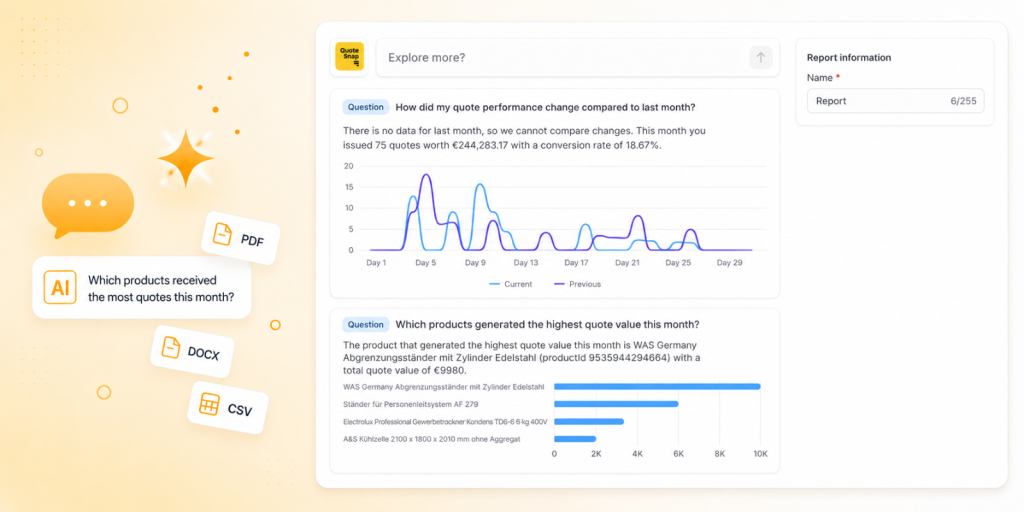
Once you ask a question, the AI instantly analyzes your backend data, extracts the core trend, selects the most accurate chart type (bar, line, pie, etc.), and generates a ready-to-use report.
Here are a few high-value questions you can ask right away to uncover hidden sales opportunities:
- To identify ghosting leads: “Which customers requested quotes three or more times but never purchased?”
- To optimize pricing or catalog: “Which products are viewed or quoted often but rarely convert?”
- To find your heavy hitters: “Which products generated the highest total quote value this month?”
Streamlined Sharing with the AI Report Builder
Every single question you ask is transformed into a clean, standalone Insight Card. These cards act as modular building blocks for your business reports, containing:
- The Core Question: Keeping your data context crystal clear.
- AI-Generated Insight: A simple textual explanation of what the data actually means.
- Automated Data Visualization: A perfectly matched chart generated by the AI.
- Merchant Notes: A dedicated space where you can add your own comments, context, or action plans for your team.
One-Click Multi-Format Export
Need to back up your data or send a quick brief to your manager? You don’t have to screenshot your dashboard anymore. You can export any Insight Card or full report into multiple formats with a single click:
Supported Formats: PDF • DOCX • CSV • XML • JSONL
The AI Analytics Reports feature is live on your QuoteSnap dashboard right now.
Log in, head over to your analytics tab, and try asking your first question. If you’d like a personalized walkthrough or have any questions about how to leverage these insights for your specific store setup, reply directly to this post or reach out to our support team – we are always happy to help!
|
AI ANALYTICS REPORTS · LIVE NOW Stop digging through spreadsheets. Just ask. Your AI data analyst is live inside the QuoteSnap dashboard. Ask a question in plain English and get an instant chart, a clear insight, and a report you can export in one click. |
